Laser Pro Support and Guides
The purpose of this article is to draw attention to the location of LaserPro's user guides and other helpful support tools.
Finastra Support Portal
The Finastra Support Portal can be found HERE (Please note that you must first be added to the portal by an admin. If you do not have access and need access, please Submit a ticket so we can assist you)
Additionally, you will need to set up MFA by following the guide HERE if you have not already done so before you are allowed access.
In the portal, you can use the search bar to search their Knowledge Base for support articles and guides:
If you are unable to find an answer to a question, you are able to submit a help request by clicking the "Get help and support" button:
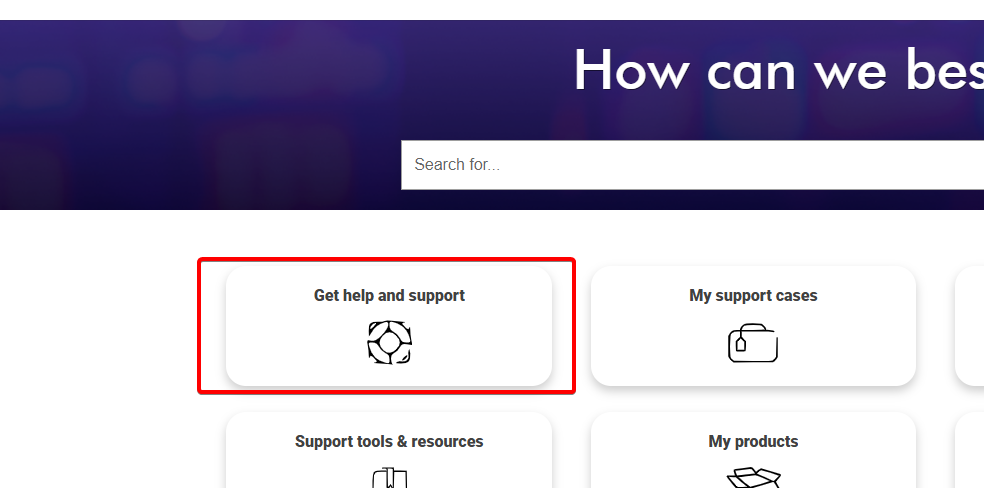
Finastra Support Center
The Finastra Support Center is home to software downloads, products and support information and full guides of all Finastra Products. This can be found HERE
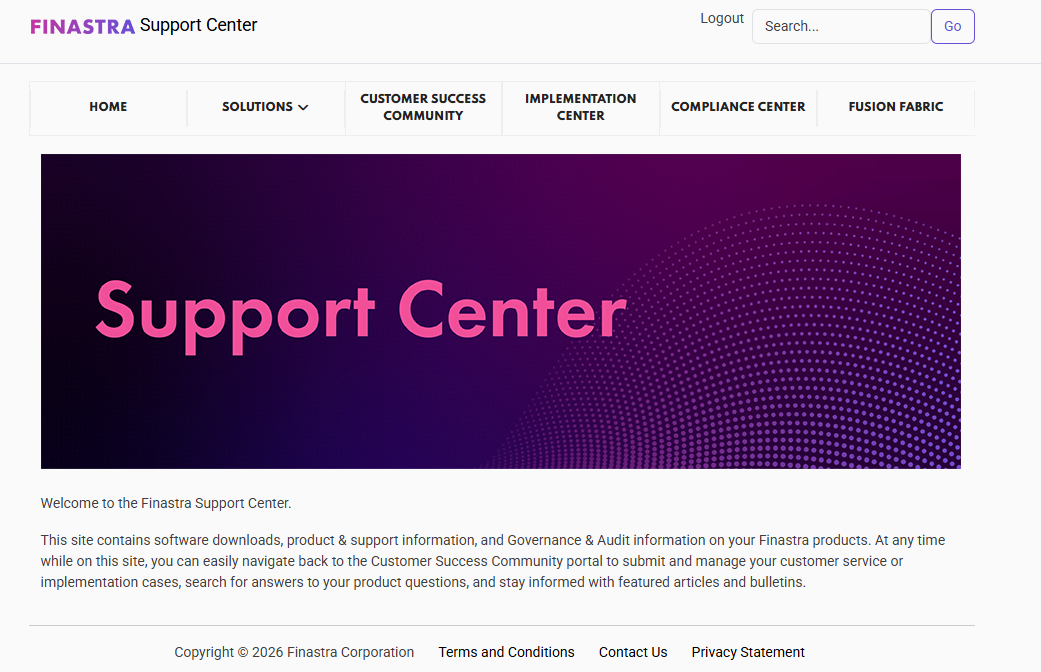
LaserPro User Guide
The LaserPro User Guide can be found on the Finastra Support Center under Solutions > LaserPro > LaserPro (cloud) > Product Documentation > Current Release Documentation > Guides.
Alternatively, a copy of the most recent User Guide for release 2.12.2026 is included as an attachment in this article.
Announcement: Microsoft and TMO are currently experiencing issues with connectivity. This includes dropped connections, applications being unable to load, etc. Please continue to watch the status page by following the "Learn More" button below to get the most recent updates.
Learn More
Learn More
Related Articles
User Guide
This article includes the Dominion User Guide. The Dominion User guide can be found in PDF Format attached to the bottom of this KB.How to use the IDF Learning Portal
The purpose of this guide is to guide users through the steps of logging in and viewing courses in the IDF Learning Portal. If you have not been invited to the IDF Learning Portal, please contact Michael@impactdf.org or Submit a Ticket Navigate to ...VPN Troubleshooting Guide
The purpose of this KB is to assist users with troubleshooting issues with logging into and using the VPN. Make sure you are connected to a stable preferably fast internet connection. Please note that when you are connected to the VPN it requires ...How to Export an Abrigo Loan to LaserPro
The purpose of this article is to walk users through the steps for exporting a loan to LaserPro. Exporting Document from Abrigo to LaserPro Log into Abrigo Sageworks Navigate to Administration > Document Preparation: Select "Customer List" or use the ...How to sign into the KB and view your open tickets
How to sign into the Knowledge Base Navigate to the top right of any page and click the "Sign In" link: Click the Microsoft Logo at the bottom of the "Already a member?" section: Note: DO NOT use the Email Address and Password fields here. It will ...